Privacy-First Chrome Productivity Dashboard Reinvents Everyday Browser Workflow
Quick Reads
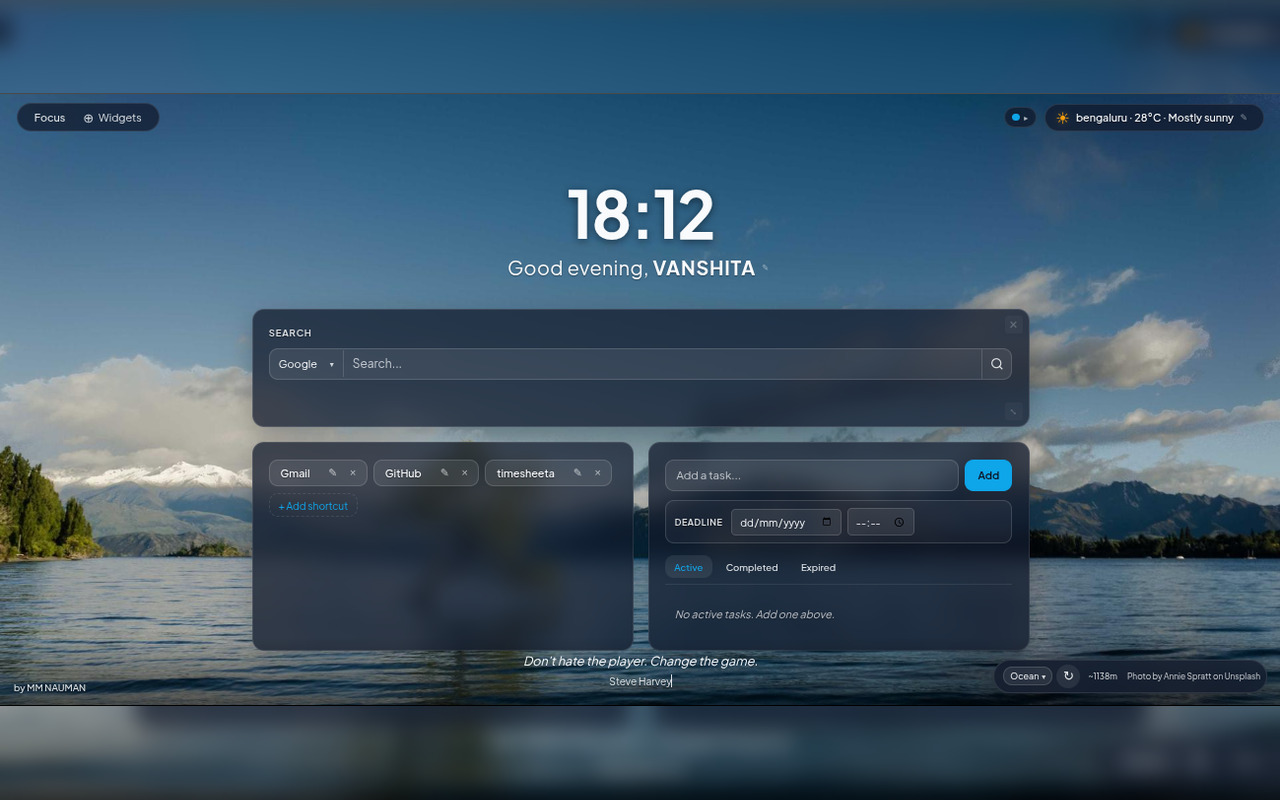
- Operations is a new tab Chrome extension that replaces your blank tab with a work dashboard.
- It includes project cards, a bookmark library, a snippets vault, a Pomodoro timer, and a water tracker.
- All data stays local in your browser, nothing is stored on external servers.
- It was built by two Amsterdam indie makers who needed it for their own daily workflow.
- The first week is free, with five themes and full layout customization coming soon.
Privacy-first Chrome productivity dashboard tools are changing how people start their workdays online. Instead of opening empty tabs or distracting feeds, Operations transforms every new browser tab into a focused workspace filled with projects, bookmarks, notes, timers, and essential tools, all stored securely inside the browser itself.
Additionally, the new tab Chrome extension for productivity organizes everything a busy person reaches for throughout the day. It groups projects with their links, notes, and tools into single cards. It also includes a browsable bookmark library, a secure vault for code snippets and API tokens, a Pomodoro timer, and a water intake tracker. Meanwhile, five visual themes come built in, with a custom theme generator and flexible layouts arriving soon.
More importantly, the extension stores everything locally. Nothing leaves the browser or touches the team’s servers. As a result, it becomes a genuinely private tool, which increasingly matters as browser extensions face greater scrutiny over data collection.
Meanwhile, Bas Fijneman and Tijs Luitse built the tool after frustration with their own cluttered mornings. After dealing with twenty tabs open by 9am and a new tab page that offered nothing useful, they reached a breaking point. Ultimately, they built Operations for themselves first, and then decided to share it.
The team has been running Studio N.O.P.E. out of Amsterdam and currently offers the first week free. Early users describe it as a “superpower” for managing browser sessions and staying focused throughout the day.
What separates Operations from similar tools is its refusal to add noise. Unlike other new tab Chrome extension options that shove feeds and widgets into view, Operations surfaces only what the user intentionally put there. The result is a workspace that respects attention rather than competing for it.