Grafana Cloud k6 Secrets Management Now Live, No More Hardcoded Credentials
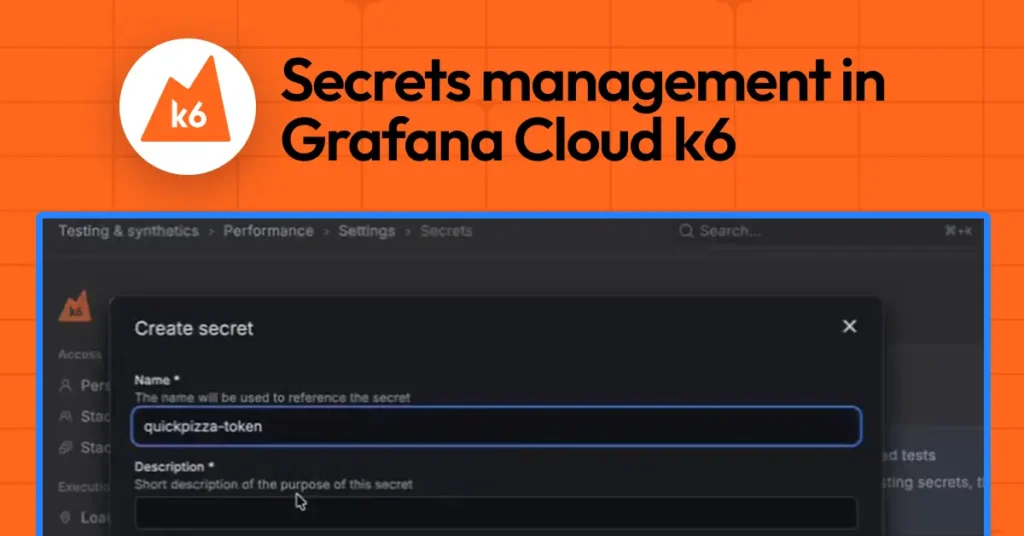
Grafana has officially launched Grafana Cloud k6 secrets management, and it could change how engineering teams handle sensitive credentials during performance testing. The feature is now available in public preview.
Performance tests often need to simulate real user behaviour. That means they rely on API keys, tokens, and credentials to talk to live systems. However, as test suites grow, that sensitive data tends to spread fast across scripts, config files, and environments. The result is a security risk that is difficult to manage and even harder to trace.
Grafana Cloud k6 secrets management directly tackles that problem. Instead of hardcoding credentials into test scripts, teams can now store sensitive values centrally in Grafana Cloud and inject them at runtime. The scripts stay clean, version control stays safe, and the same test can run across multiple environments without any changes.
Secrets live entirely inside the Grafana Cloud web UI. To access them, users navigate to Testing & Synthetics > Performance > Settings, then open the Secrets tab. From there, the full lifecycle is covered. Teams can create a secret by giving it a name, a description, and a value. They can also attach labels to keep things organised. Once saved, the secret is immediately available to any test in that project.
Editing a secret works differently than you might expect, and that is by design. When you update a secret, the current value is never revealed. You simply provide a new value that overwrites the old one. This approach makes credential rotation straightforward and keeps accidental exposure off the table. Deleting unused secrets is equally simple.
One of the more important design decisions here is that secret values are write-only in the UI. After creation, no one can read them back or display them through the interface. That protection covers the usual risks, screenshots, screen sharing, or a quick glance from the wrong person.
Using secrets inside tests is equally simple. Grafana Cloud k6 provides a dedicated module called k6/secrets. Developers import it and call secrets.get(secret-name) to retrieve a value at runtime. The value behaves like a regular string, so it slots into existing scripts without major rewrites. Teams can gradually replace hardcoded values or environment variables with centrally managed secrets.
Runtime protection adds another layer of security. If a secret value gets accidentally logged during a test run, Grafana Cloud k6 automatically redacts it from the output. It will not appear in logs or test results. Combined with the write-only storage model, this means secrets stay protected across their entire lifecycle from the moment they are created to the moment they appear in observability outputs.
Notably, secrets management is also generally available in Grafana Cloud Synthetic Monitoring, the black box monitoring solution powered by k6. That platform lets teams proactively assess system reliability and performance, and it now shares the same secrets infrastructure.
Grafana Cloud k6 secrets management is available now in public preview. Full documentation is available on the Grafana docs site. Grafana Cloud also offers a free tier for teams that want to get started with k6 and performance testing without upfront cost.