Grafana Cloud CLI gcx Observability Tool Comes to Your Terminal
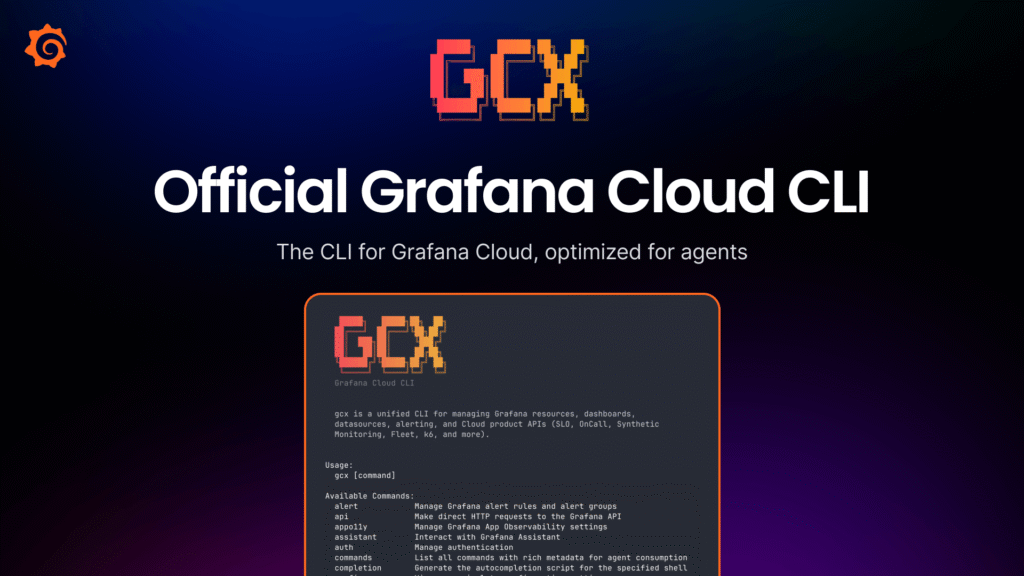
Grafana has launched the public preview of gcx, a new Grafana Cloud CLI gcx observability tool that brings full-stack monitoring directly into the terminal. It also plugs into agentic coding environments like Cursor and Claude Code, closing a visibility gap that has slowed engineering teams for too long.
Engineering workflows are shifting fast. Tools like Cursor and Claude Code now handle many day-to-day coding tasks, speeding up development significantly. However, these agents carry a major blind spot. They can see your codebase, but they cannot see your production environment. They miss latency spikes. They do not know whether you are hitting your SLOs. Consequently, they write code based on assumptions, not real data.
The Grafana Cloud CLI gcx observability tool tackles this head-on. It brings Grafana Cloud and the Grafana Assistant straight into the terminal. As a result, both engineers and their agents can spot and resolve production incidents in minutes rather than hours.
Most services start with no instrumentation, no alerts, and no SLOs. Therefore, gcx treats that as a starting point, not a blocker. From the terminal, it handles the full observability lifecycle. Engineers can wire OpenTelemetry into their codebase and validate that metrics, logs, and traces are flowing correctly. They can also confirm that data lands in the right backends, all without leaving the command line.
Beyond instrumentation, gcx generates alert rules from actual service signals. It defines SLOs against real latency or availability indicators. It also sets up synthetic probes so engineers catch outages before users do. For frontend and backend teams, it supports Frontend Observability, Application Observability, and Kubernetes Monitoring through Instrumentation Hub. Dashboards, alerts, SLOs, and checks can be pulled as files, edited locally, and pushed back. When a human needs to step in, a deep link opens Grafana Cloud instantly. What used to take multiple days now fits inside a single agent session.
The real power of the Grafana Cloud CLI gcx observability tool shines when you hand it to an AI agent. Without production context, an agent only pattern-matches on source files and guesses. With gcx, that same agent reads the actual state of the running system. It makes decisions based on real data, not assumptions. The conversation shifts entirely. Instead of guessing why an endpoint slowed down, the agent pulls traces and latency histograms. Rather than assuming a PromQL query is efficient, it runs the query against the actual metrics backend and iterates. When alerts are noisy, it inspects the rule, the firing history, and the related dashboards before proposing a fix.
CLIs naturally match how language models reason, text in, text out, stable exit codes. Every gcx command emits JSON or YAML via --output, with field names that stay consistent across versions. Exit codes and error shapes are also documented, so an agent can branch on failure and recover on its own. Furthermore, gcx auto-detects when Claude Code, Cursor, or similar tools are driving it. It then drops spinners and other human-friendly noise automatically. A machine-readable catalog of commands lets agents discover capabilities at runtime. Meanwhile, kubectl-style named contexts allow an agent to manage multiple stacks in one session without conflicts.
Additionally, gcx ships a bundle of portable agent skills for common observability tasks. These skills cover observability setup, alert investigation, SLO management, synthetic check investigations, and more. They work with any tool following the .agents skill convention, including Claude Code. Installation takes a single command: gcx skills install --all.
Engineers can get started by installing gcx from github.com/grafana/gcx and pointing it at their Grafana Cloud stack. The Grafana Cloud CLI gcx observability tool ultimately gives the agent writing the code the same production view as the on-call engineer, and that changes everything.