Google Workspace Icon Redesign Brings Bold Gradients to Google Apps
Quick Reads
- Google is rolling out a major redesign of its Workspace app icons in 2026.
- The update affects Gmail, Drive, Docs, Sheets, Calendar, Meet, and Chat.
- New icons drop the strict four-color rule and embrace rich gradient designs.
- The rollout currently appears in Chrome’s new tab app launcher grid.
- Reactions from users have been mixed, though many welcome the distinction.
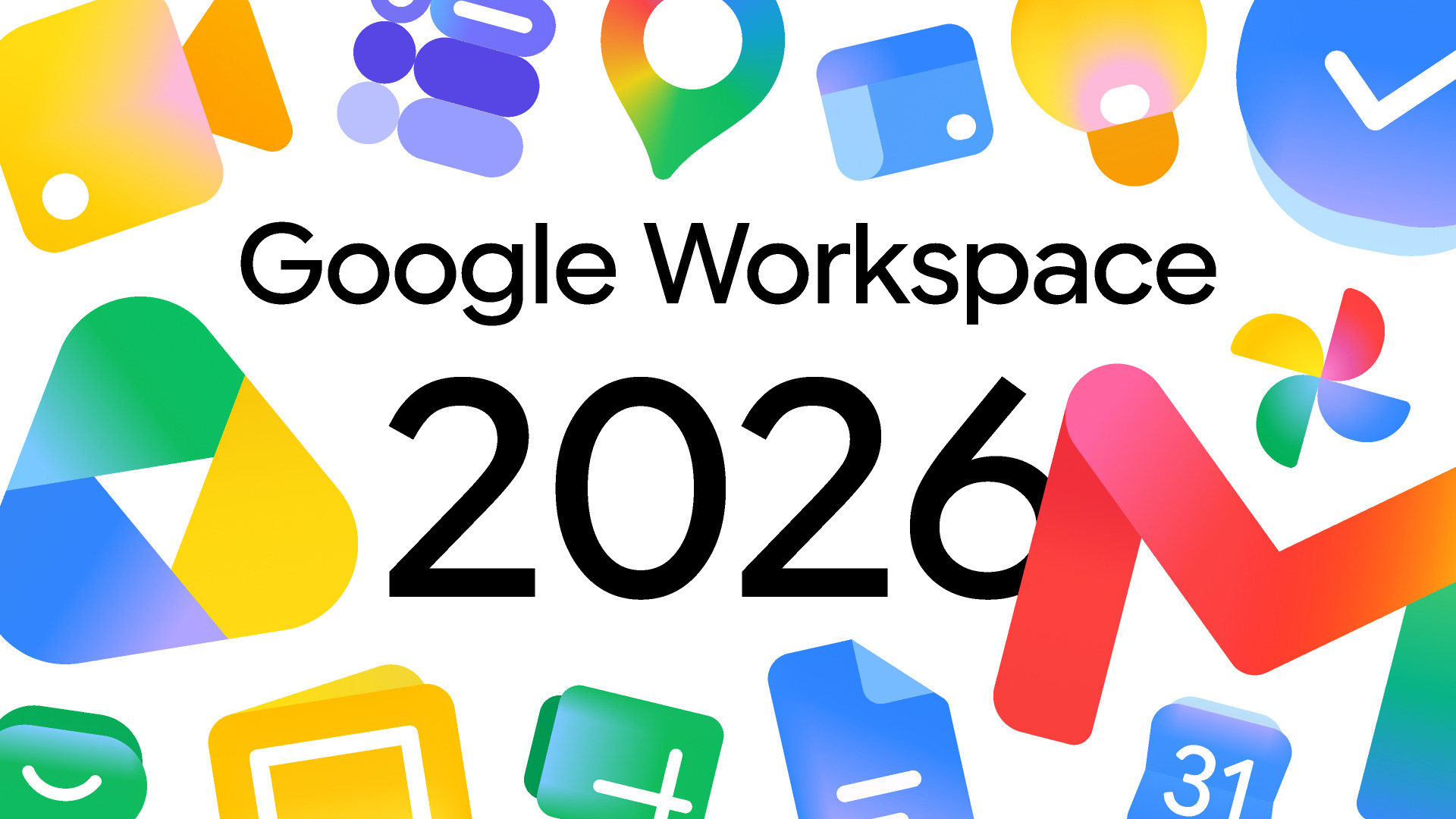
Google Workspace icon redesign has officially begun rolling out to users. Just ahead of Google I/O 2026, Google started pushing redesigned gradient icons across its Workspace apps, including Gmail, Google Drive, Docs, Sheets, Calendar, Tasks, and more. This marks the first major visual overhaul in nearly six years.
The change is immediately visible and hard to ignore. The single biggest structural shift is the end of the four-color mandate, previously, every Workspace icon drew equally from Google’s brand colors: red, blue, yellow, and green, which made each app feel like a variation on the same template. Now, each app gets its own dominant color identity.
Two overarching design themes drive the refresh. The gradient effect, already seen in the Google “G,” Gemini, Home, Photos, and Maps, runs throughout, and it signals the presence of AI-powered features. Additionally, Google addresses a long-standing criticism by making each icon more distinct in color and shape.
So, concretely, what changed? The Google Drive icon now focuses on green, yellow, and blue, dropping the small red corner from the older design. Similarly, Docs, Slides, and Sheets icons now carry a much softer gradient appearance instead of their previous flat look. The Google Calendar icon is also shifting back toward a more blue-focused design, while Gmail keeps its familiar envelope-shaped “M” logo but now uses gradients instead of solid colors.
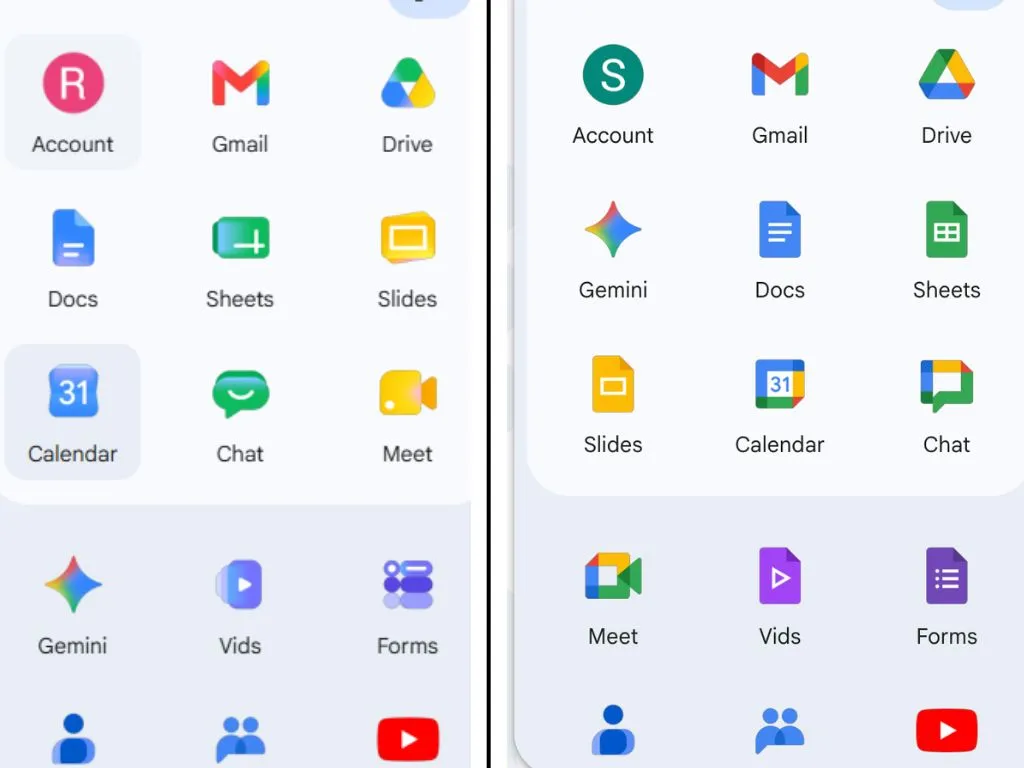
Furthermore, Meet becomes a predominantly yellow video camera, and Chat transforms into a friendly pill-shaped message bubble. These represent some of the biggest departures from the old design system.
As reported by 9to5Google, sources familiar with the matter confirm all Google Workspace apps are getting this big overhaul, with the page container removed for most apps to allow for larger, more unique icons. You can explore the full breakdown of the redesigned icons on 9to5Google for a closer look at each app.
Meanwhile, the Google Workspace icon redesign story has drawn wide coverage from the tech community. Reactions have been mixed, some welcome the change because too many of Google’s icons looked the same, making specific ones hard to find. Others, however, dislike how much of Google’s consistent branding appears lost.
Currently, the rollout is visible in the Google app launcher grid on Chrome’s new tab page, but the icons have not yet fully appeared within the individual apps themselves. Google has not made a formal announcement about the timeline or full scope of the rollout.